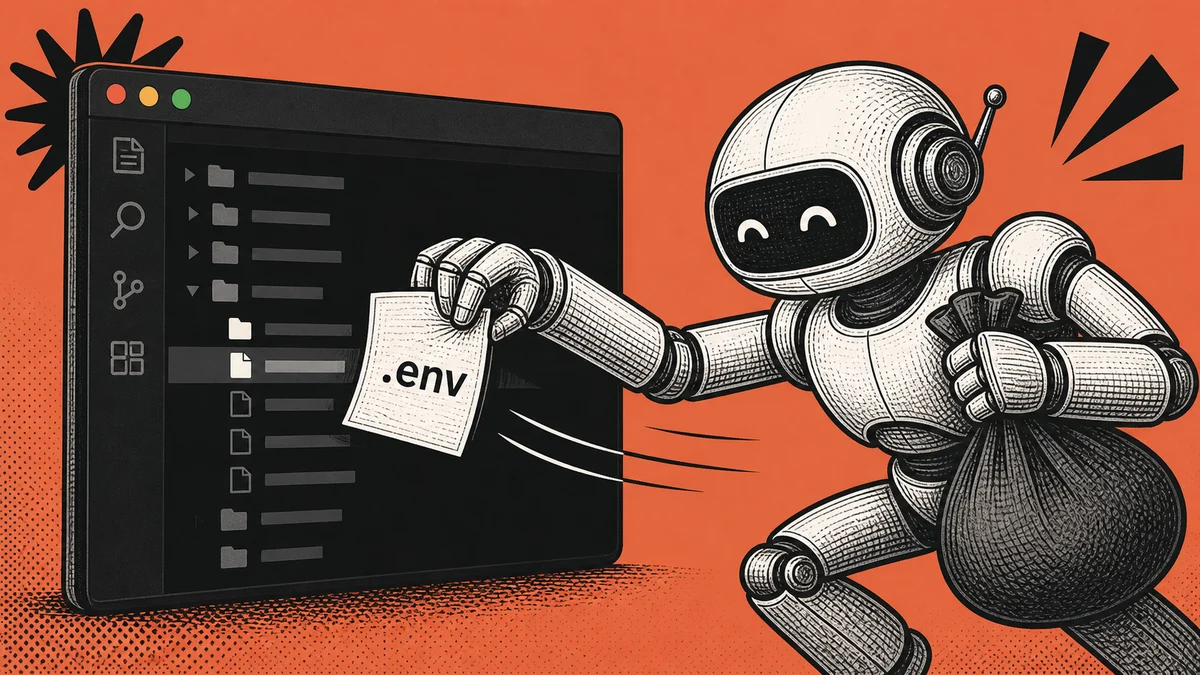
Recently, AI coding tools have become more powerful than I thought they would be. They are no longer just autocomplete inside an editor.
Agentic AI tools can search an entire codebase, read files, inspect terminal output, run commands, and connect to other tools.
Imagine an agent reads your .env file while exploring a project. That content may be sent to an AI provider for processing, included in a tool result, copied into a prompt, or exposed in logs depending on the tool and its configuration.
That possibility makes me uncomfortable, especially because I work in the financial industry. I do not want a database password, API key, or private token sitting in a plaintext file and waiting for any sufficiently capable tool to read it.
So for my local development workflow, I have started moving away from .env files. I am testing a new open-source tool called Dopbase, which manages application secrets and injects them only when I run the application.
Why .env Files Feel Different in the Agentic AI Era
I have used .env files for years. They are simple, every framework understands them, and putting .env in .gitignore prevents the most obvious mistake: committing secrets to Git.
But .gitignore only tells Git not to track a file. It does not stop another local process from reading it. If an AI coding agent has access to the project directory, then the .env file may be inside its working boundary.
The agent may read it intentionally while debugging configuration or accidentally while searching files broadly. A tool call could also print an environment value into the terminal, where it becomes part of the agent’s context.
This does not mean every AI coding tool is secretly collecting credentials. Different providers have different privacy controls, retention policies, and enterprise settings.
Why I Did Not Start with AWS or Google Secret Manager
There are already mature options such as AWS Secrets Manager, Google Cloud Secret Manager, Azure Key Vault, HashiCorp Vault, and enterprise password managers.
Those tools make sense for many production environments. They offer features such as access policies, managed encryption, rotation, audit trails, and cloud integrations. In a bank or regulated production system, that level of control is often exactly what you need.
For my local development workflow, however, setting up a complete cloud secret-management stack felt like overkill. I wanted something smaller:
- no plaintext
.envfile sitting inside the repository - a familiar project and environment structure
- one tool that works locally
- an option to self-host later
- secrets injected when the application starts
I want to focus on the product I am building, not spend half a day wiring cloud permissions just to run a local development server.
That is why Dopbase caught my attention.
What Is Dopbase?
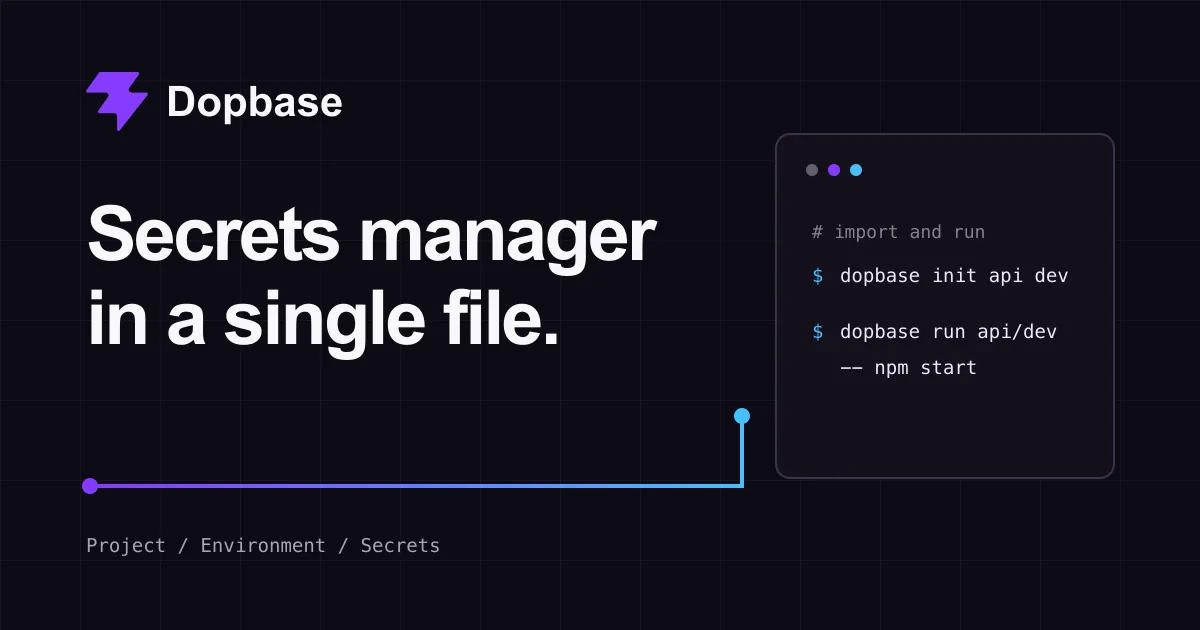
Dopbase is designed as an open-source secrets manager packaged into a single executable. The same executable contains the server, command-line client, Admin UI, REST API, migrations, and self-hosted SQLite storage.
Its model is intentionally simple:
Project
└── Environment
    └── Secrets
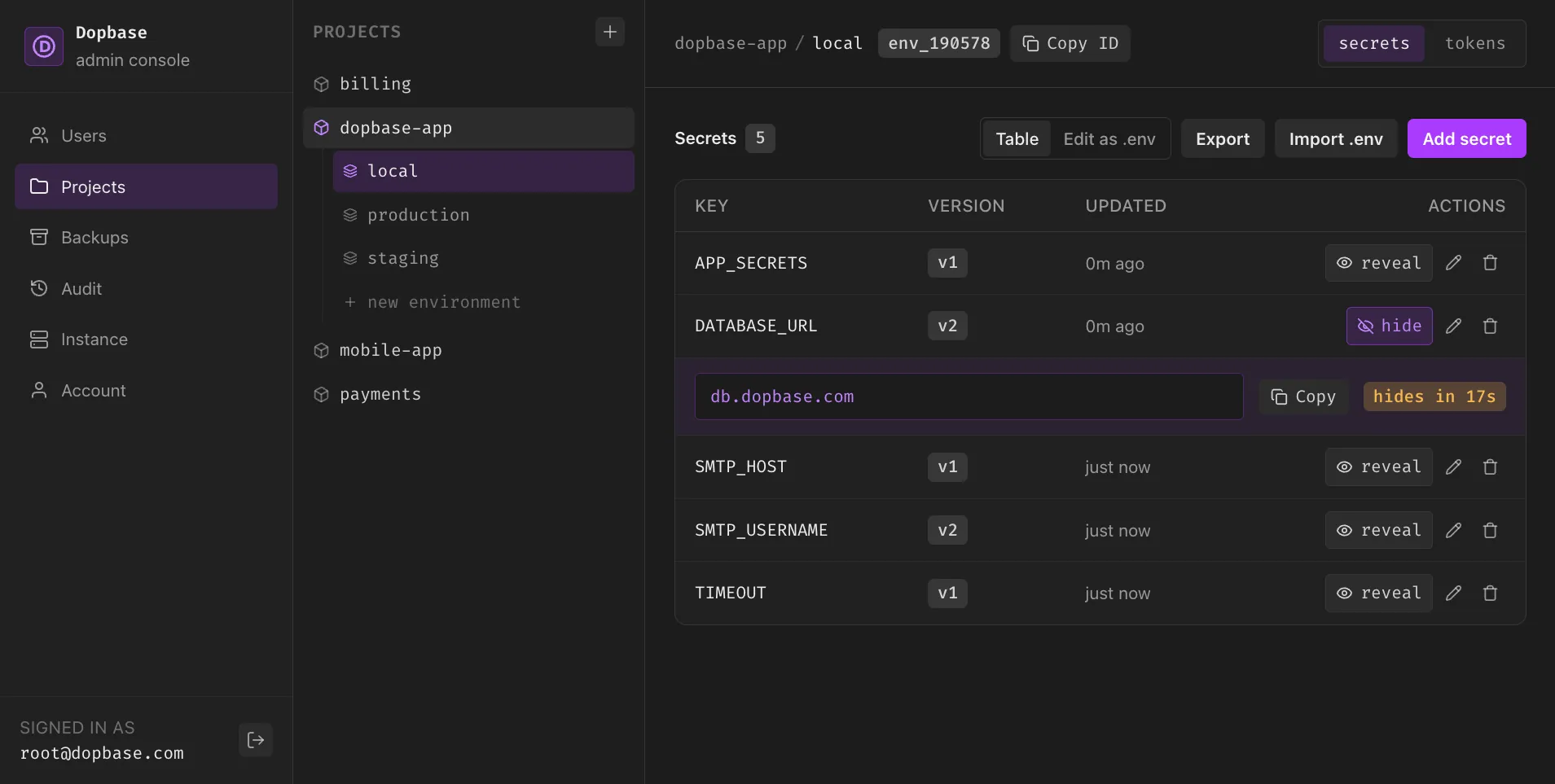
A project can have separate development, staging, and production environments. Instead of hiding all values inside one opaque file, Dopbase stores each secret as an individual record.
The server is responsible for encrypted storage, users, authentication, permissions, and audit records. The client connects to that server, requests one environment, and passes those values to the application process.
What interests me most is that Dopbase does not need to recreate a plaintext .env file every time the application runs.
Dopbase Workflow I Used
The planned setup is straightforward. Because Dopbase is still pre-release, these commands and the bootstrap flow may change before a stable version is available.
First, start the local Dopbase server:
dopbase server upBy default, the documented local server exposes its Admin UI and API at http://localhost:8840, with a local SQLite database.
In the preview workflow, I open the Admin UI, complete the initial key and administrator setup, then sign in from another terminal:
dopbase loginIf I already have an existing .env file, I can use it to bootstrap a project and development environment:
# Create new env
dopbase init my-app/development --from .env

# set default env
dopbase env default my-app/development
After verifying that every value was imported correctly, the plaintext file no longer needs to remain inside my normal project workspace.
I still keep a safe .env.example with variable names and fake values so other developers can understand the configuration contract.
Then I run the application through Dopbase:
dopbase run -- npm run startThat is the part I like. My application still receives normal environment variables, so I do not need to rewrite it around a vendor-specific SDK. Dopbase retrieves the selected environment and injects its values into the child process.
The application works as usual, but there is no plaintext .env file sitting beside the source code for an agent to discover during routine exploration.
Using a Self-Hosted Dopbase Server
The more interesting part is the server and client separation. The local setup is useful for one machine, but the same client model is designed to connect to a remote self-hosted Dopbase server.
For example, I could run the server on infrastructure I control and connect my development machine to it:
dopbase client connect https://dopbase.example.com
dopbase login
The readable project/environment target is convenient for local use. For staging and production, the Dopbase environment documentation recommends immutable environment IDs and separate environment-scoped runner tokens.
Why This Workflow Feels Better to Me
The biggest benefit is peace of mind.
When I use an agentic coding tool, I no longer want to spend the whole session wondering whether it might open .env while debugging. Moving the secret out of the workspace removes one common path and makes the boundary easier to understand.
It also makes the project cleaner. The code defines which environment variables it expects, while the secret manager controls the real values for each environment.
If you are still getting familiar with how much access these tools can have, I wrote more about the capabilities and privacy tradeoffs in my Claude Code vs OpenCode comparison.
I also shared how I use a code graph to give an AI agent focused context, which reduces unnecessary codebase exploration for a different reason.
Common Questions
Is putting .env in .gitignore enough?
It protects against accidentally tracking the file in normal Git operations. It does not prevent local applications, scripts, extensions, malware, or AI coding agents with filesystem access from reading it.
Can I delete my .env file immediately after importing it?
Verify the imported values and test the application first. Keep a safe .env.example containing names and fake values, but do not put real secrets there.
If the original .env was ever committed or shared, deleting it is not enough; rotate those credentials and clean the repository history where appropriate.
Does runtime injection stop secrets from leaking?
It avoids keeping plaintext values in a workspace file, but the running application still receives them. Processes or users with sufficient privileges may be able to inspect those values, so permission boundaries and least-privilege credentials still matter.
Should I use Dopbase for production today?
Not based on its current public status. Dopbase describes itself as pre-release and advises users to wait for a supported release, threat model, security review, backup procedure, and upgrade policy before treating it as production-ready secret storage.
Can Dopbase replace AWS Secrets Manager or Google Cloud Secret Manager?
That is not how I see it yet. Dopbase interests me as a focused developer experience and self-hosted model.
Mature cloud secret managers remain a better fit when you need reviewed integrations, formal operational controls, managed key services, and established production support.
Conclusion
Agentic AI coding tools are becoming more capable very quickly. I enjoy using them, but more capability means we need to be more deliberate about what they can access.
For me, the first practical step was simple: stop treating plaintext .env files as harmless just because they are ignored by Git.
Dopbase gives me a glimpse of the workflow I want: one focused tool, secrets organized by project and environment, self-hosting when needed, and direct injection into the application process.
The project is still early, so I am testing it with caution and not trusting it with production financial credentials.
Still, the direction makes sense to me. Keep real secrets outside the coding workspace, give agents only the access they need, and make the secure workflow easy enough that developers will actually use it.
I will share more about Dopbase after I have tested it longer and the project reaches a stable release.